Plunkit
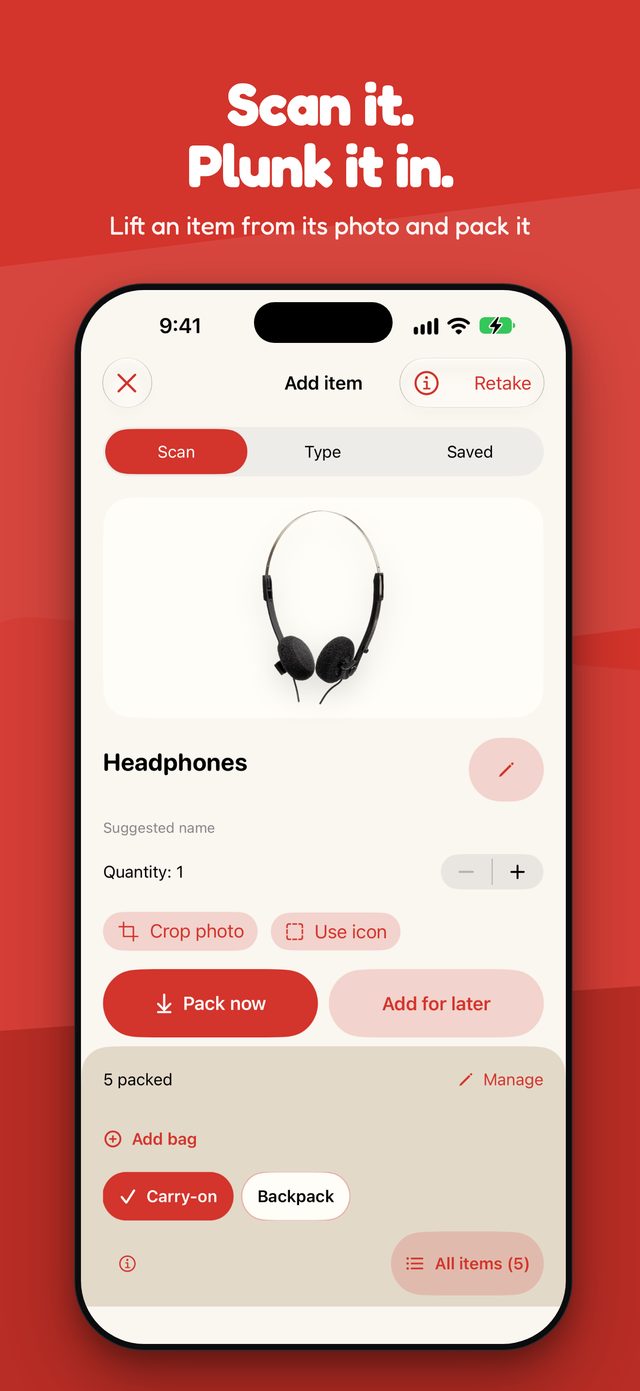
Scan it
Use the camera or import a photo. Plunkit lifts the item out of its background when it can, and keeps a tidy crop or an icon when it can't. Name it yourself, or let Apple Intelligence suggest a name on supported iPhones.

Scan it. Plunk it. Go.
A travel packing list that sees what you're taking. Point your camera at it, drop it in the bag, and check plugs and voltage for where you're going.
Coming soon to the App StoreFor iPhone with iOS 27 or later.
Plunkit turns "did I forget something?" into a short, calm checklist.
Use the camera or import a photo. Plunkit lifts the item out of its background when it can, and keeps a tidy crop or an icon when it can't. Name it yourself, or let Apple Intelligence suggest a name on supported iPhones.
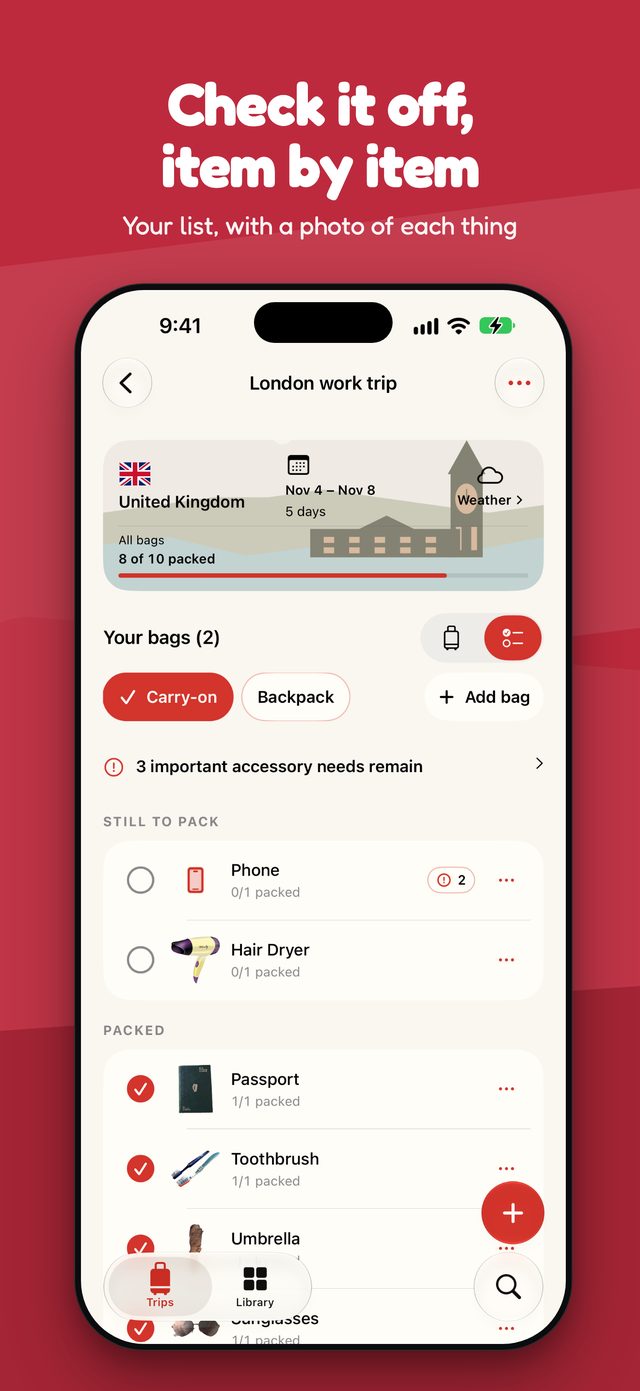
Packed items land in a bag you can tilt, shake and flick. Prefer a list? Switch to the checklist and tick things off one by one.
Reminders for what each item needs, such as chargers, cables and adapters, based on the item and your trip. They're suggestions, so you stay in charge.
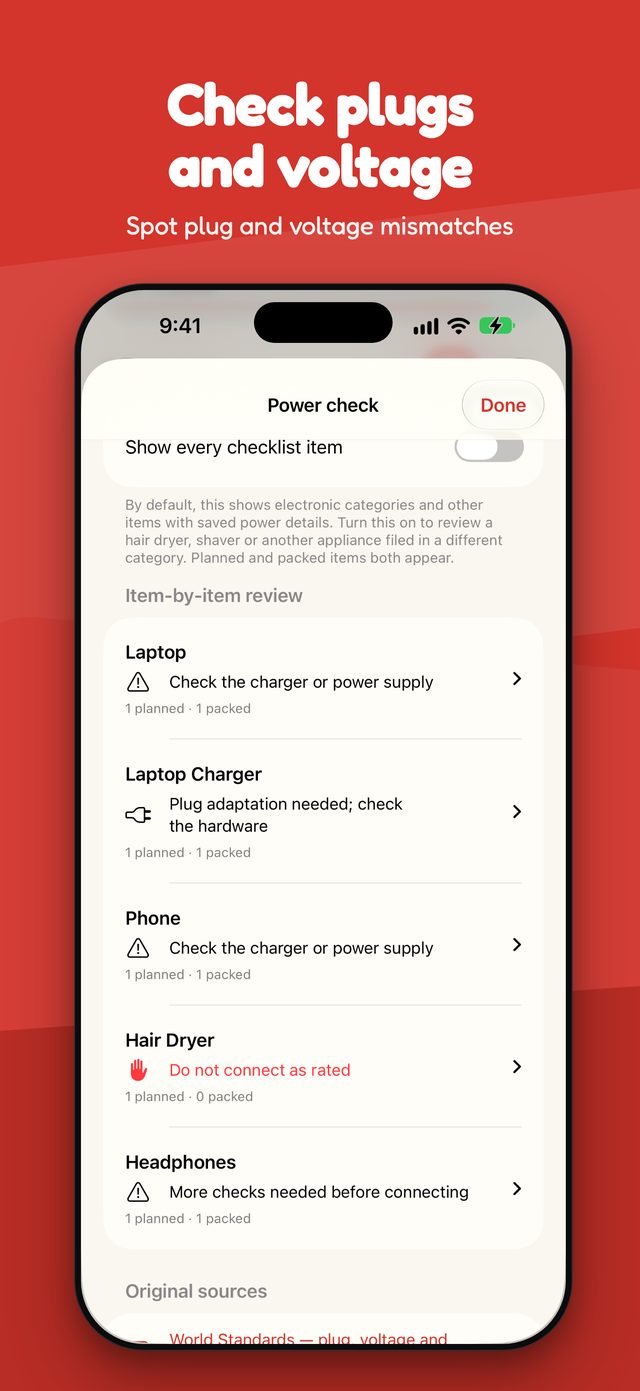
Compare the label on your equipment with a sourced guide for 16 destinations. A plug adapter doesn't convert voltage, so Plunkit tells you what to check, not what's safe.
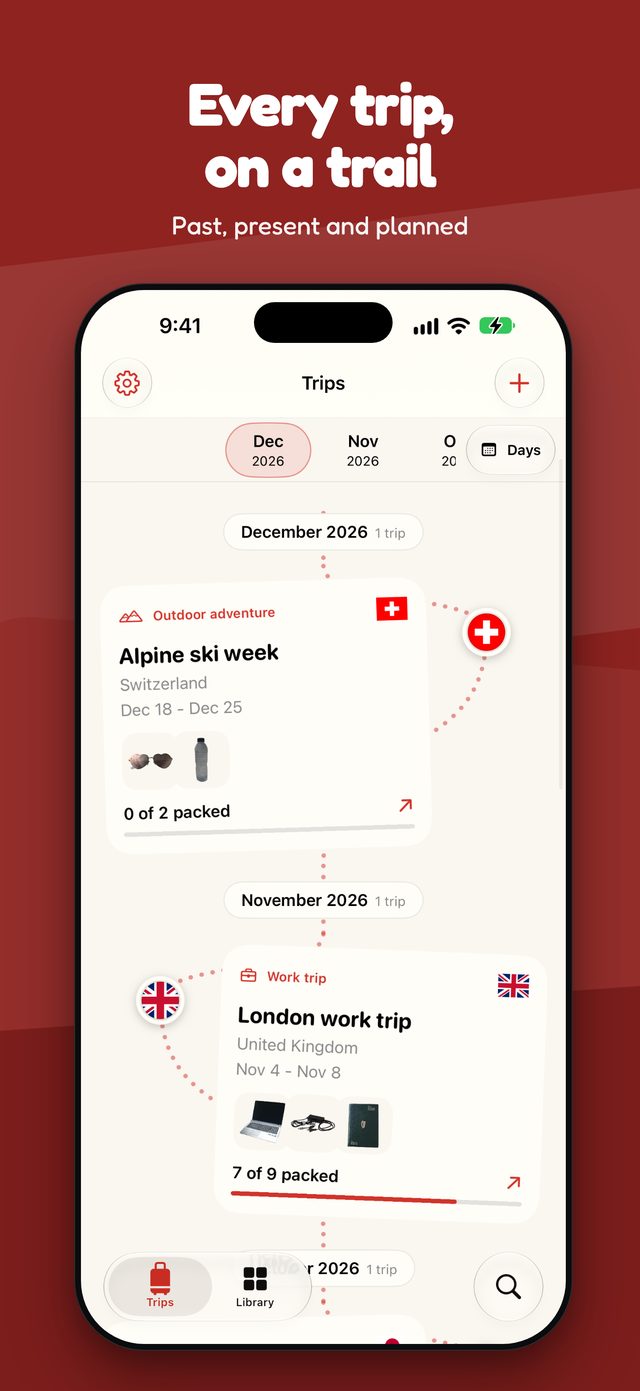
Past, present and planned trips sit on a winding timeline. Reuse an earlier trip or save a preset, and start from a head start every time.
Save a destination city to see the Apple Weather forecast for your dates, with optional ideas for what to bring.
No account, no ads, no analytics and no tracking. Your trips and photos stay on your iPhone. Read the privacy policy.
Plunkit adapts to the cover display of iPhone Duo, with toolbar buttons that sit in the system's side bar.
Scan, pack, check the plugs, and keep every trip on the trail.